
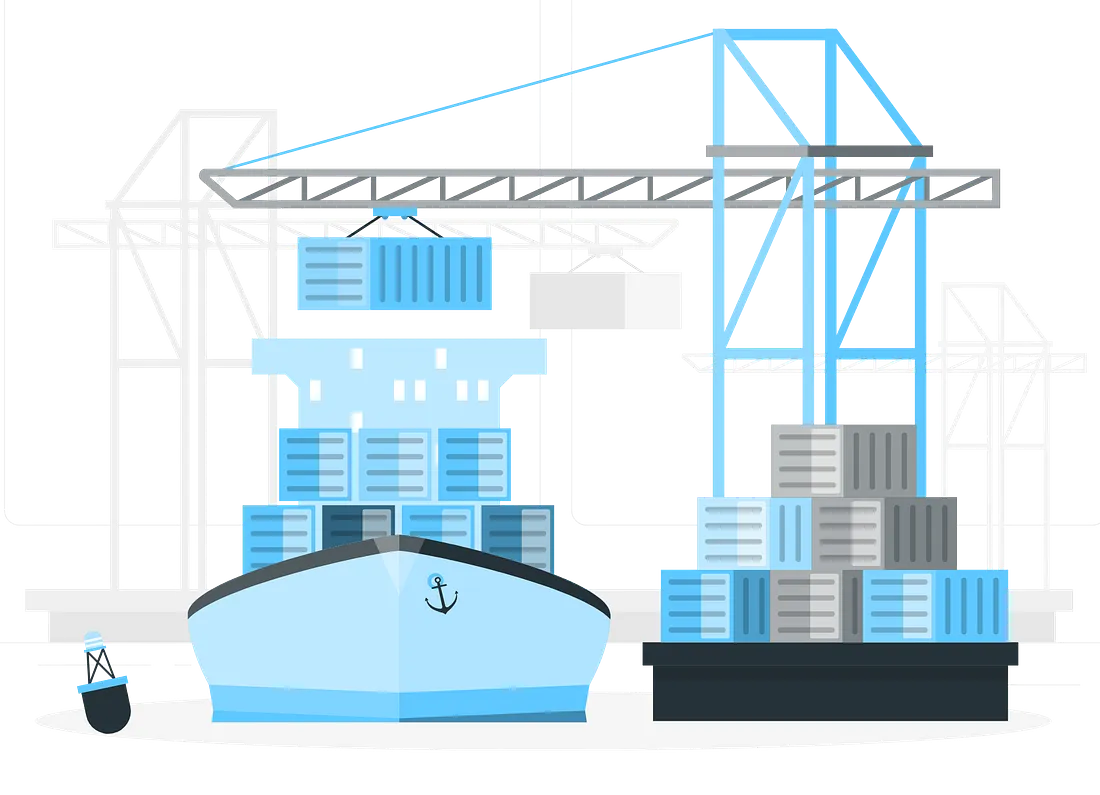
Docker Certified Associate – Preparation & methodology
Preparing for the Docker Certified Associate (DCA) exam is an achievable goal with the right plan, focused practice, and high-quality mock exams.
The LPIC-2 Exam 202 (now updated to 202-450) is the second required exam for achieving the LPIC-2 certification (Linux Engineer), which validates advanced skills in managing small to medium-sized mixed networks across Linux and Microsoft environments.
202-450
90 min
60
Die ExamBoot-Simulations-Engine ist mit der offiziellen synchronisiert Prüfungsübersicht. Unsere adaptiven Fragendatenbanken legen Wert darauf, dass Sie Ihre Ziele schnell erreichen..
Domäne 5
Domäne 6
Blog
Aktuelle Nachrichten, praktische Leitfäden und Erfolgsgeschichten von Lernenden aus dem ExamBoot-Blog
Preparing for the Docker Certified Associate (DCA) exam is an achievable goal with the right plan, focused practice, and high-quality mock exams.
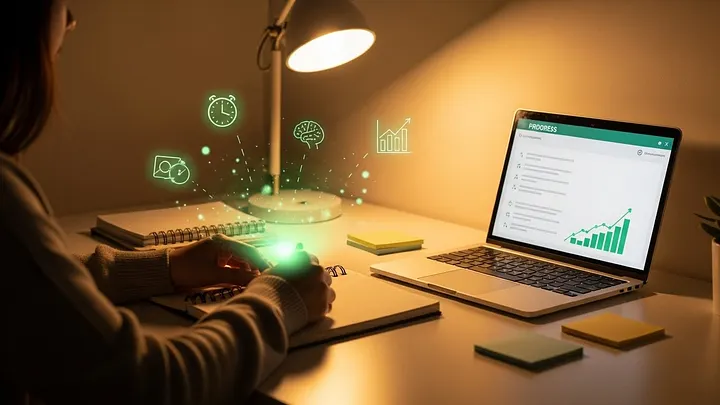
Studying smarter isn’t about shortcuts. It’s about understanding how learning actually works
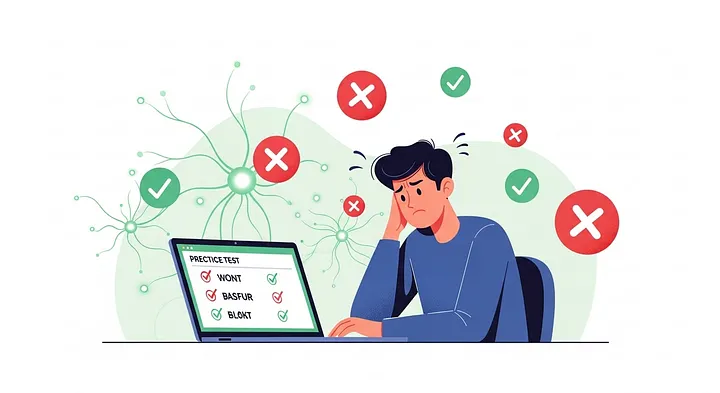
Failing a practice test stings. Not because it’s just a score…
ExamBoot is based on information available on the internet and also generated by an OpenAI public model.
ExamBoot respects the intellectual property rights of others. Per the DMCA, ExamBoot will respond expeditiously to claims of copyright infringement on the site if submitted to ExamBoot's Copyright Agent as described below. Upon receipt of a notice alleging copyright infringement, ExamBoot will take whatever action it deems appropriate within its sole discretion, including removal of the allegedly infringing materials and termination of access for repeat infringers of copyright protected content.
If you believe that your intellectual property rights have been violated by ExamBoot or by a third party who has uploaded materials to our website, please provide the following information to the designated Copyright Agent listed below:
ExamBoot may request additional information before removing any allegedly infringing material. In the event ExamBoot removes the allegedly infringing materials, ExamBoot will immediately notify the person responsible for posting such materials that ExamBoot removed or disabled access to the materials. ExamBoot may also provide the responsible person with your email address so that the person may respond to your allegations.
Pursuant to 17 U.S.C. 512(c). ExamBoot designated Copyright Agent:
ExamBoot Support
[email protected]